 Vistobra
Ask for the right amount and give the receipt on the spot.
The app shows the customer what’s still owed and your payment details, and the money goes straight into your account, with no fee from us. The receipt comes out as a PDF with the amount in words.
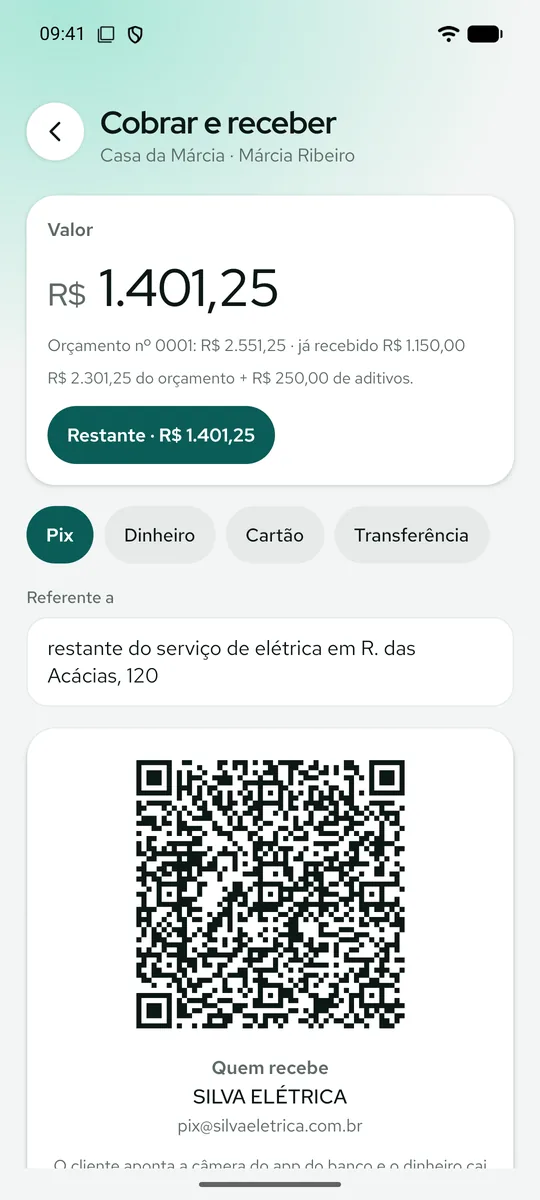
The request already has what’s owed
The amount comes from the approved estimate, minus what’s already been paid. Tap 50% deposit or Balance and you’re done.
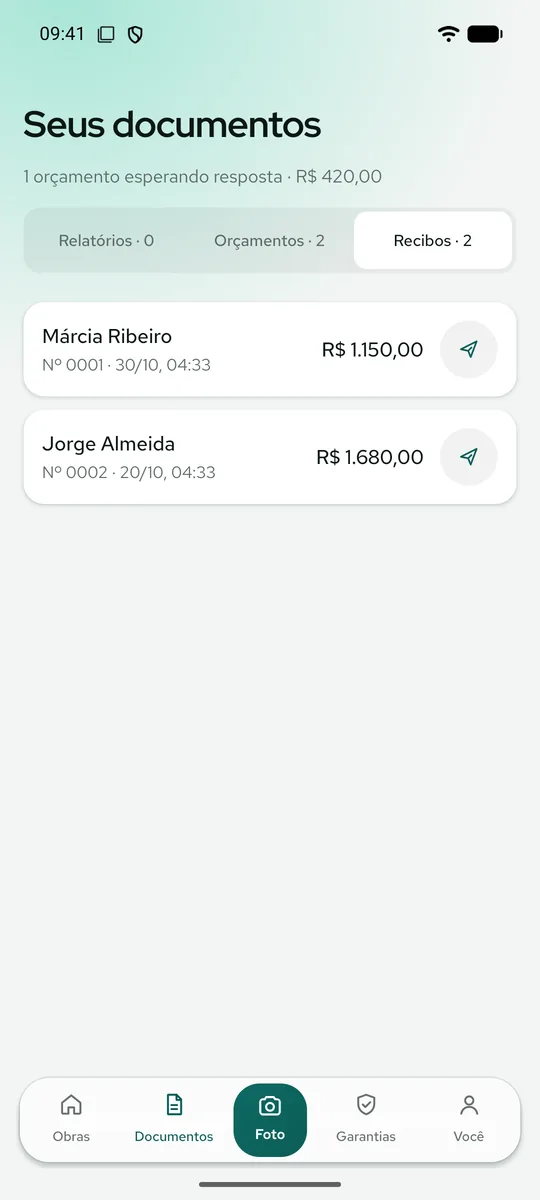
PDF receipt with the amount in words
When the customer pays, the receipt comes out with the amount in figures and in words, with your branding.
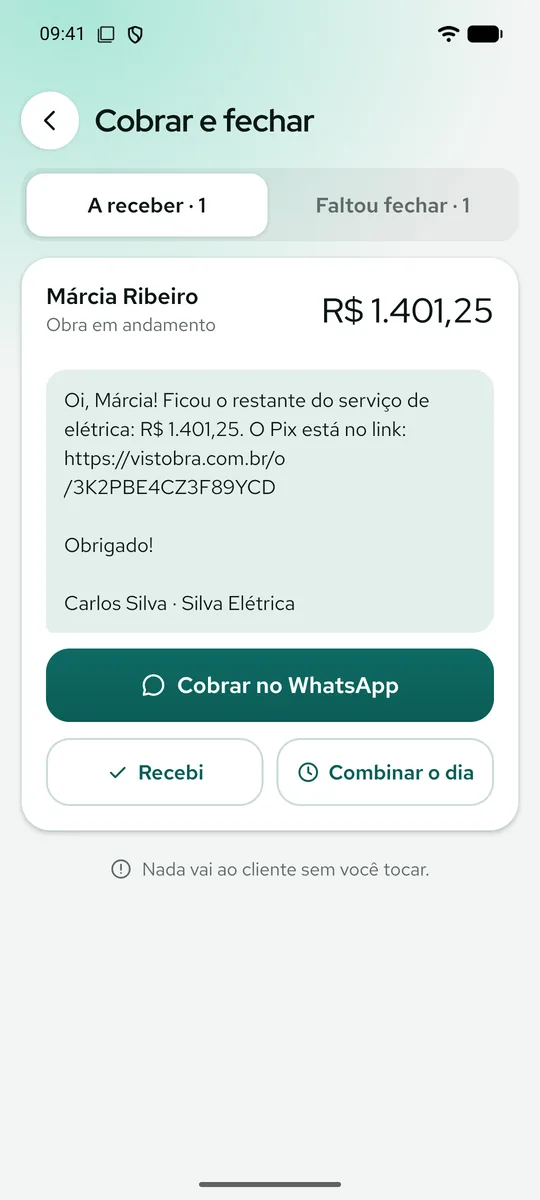
The list of who still has to pay
To collect shows each customer who owes, the most urgent first, with the text message message ready and your payment details. The app gets it ready, and you’re the one who sends it.
Remind people who haven’t replied
Not closed yet holds the estimates with no reply, with a message ready to remind the customer.
Questions about payments, receipts and reminders
Do you charge a fee on payments?
No. The money goes straight from the customer’s account to yours.
Does the app send the payment request by itself?
No. It gets the message ready and tells you when, but you’re the one who taps send, from your text message.
Can the customer pay through the link?
Yes. On the job link, they see what they’ve paid, what’s still owed and the details for paying. And they can tap “I’ve paid” to let you know.