 Vistobra
The materials list and the equipment record, on the job.
Note the materials you need and send the list to the merchant by text in one tap. Each unit’s record holds the make, the model and the date of the next service.
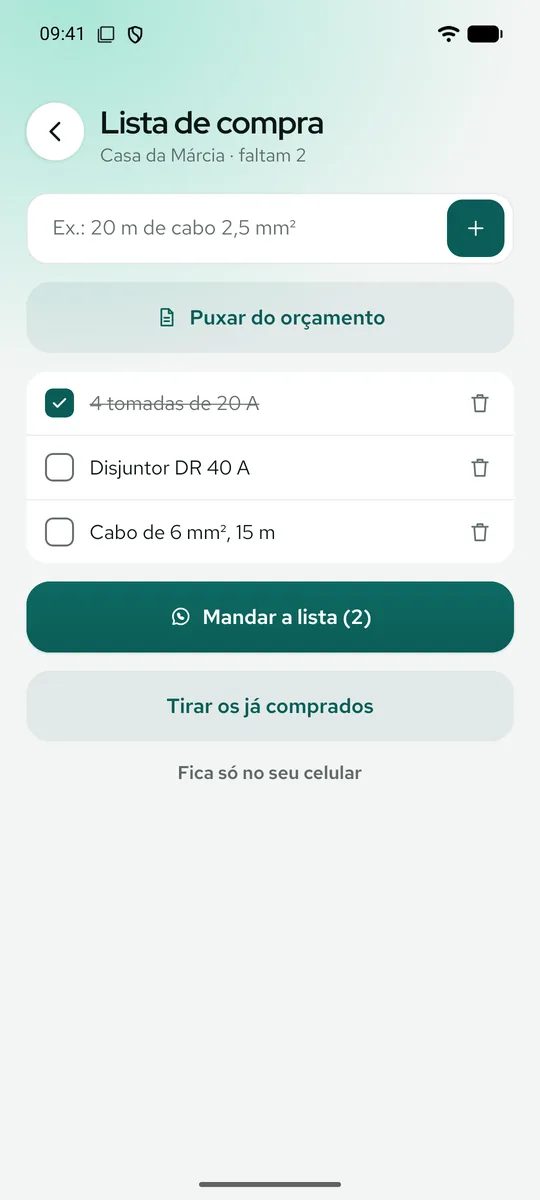
Tick it off as you buy
Note what’s needed on each job and tick off what you’ve bought at the merchant. The list stays on your phone only.
Send the list to the merchant
One tap and the list goes by text to the merchant or the supplier.
Make, model, serial number and a photo of the rating plate
Keep the details of each customer’s air conditioner, breaker panel, pump or water heater.
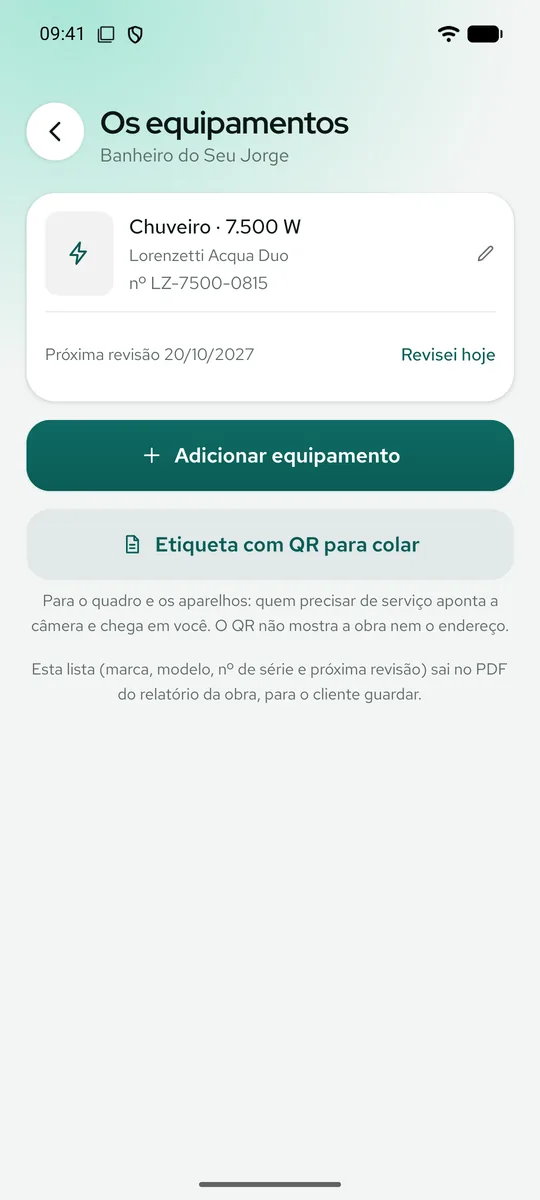
The app reminds you on the service day
Set how often the unit needs a service. On the day, the app reminds you to offer the work again. The QR label stuck on the unit takes the customer to your portfolio or your text message.
Questions about materials and equipment
Can the customer see my shopping list?
No. The list stays on your phone only and only goes out when you send it.
Where does the label’s QR go?
To your portfolio or your text message. Never to the customer’s job details.
What else you can do
The app reminds you of the 6-month or 1-year service and when to ask for a review and a referral.
What you say becomes text, the customer signs and out comes the PDF. Handover checklist for electrical and air conditioning.
What came in, what you spent and what’s left each month and on each job. You say the expense out loud.