 Vistobra
The helper takes the photos. The price stays with you.
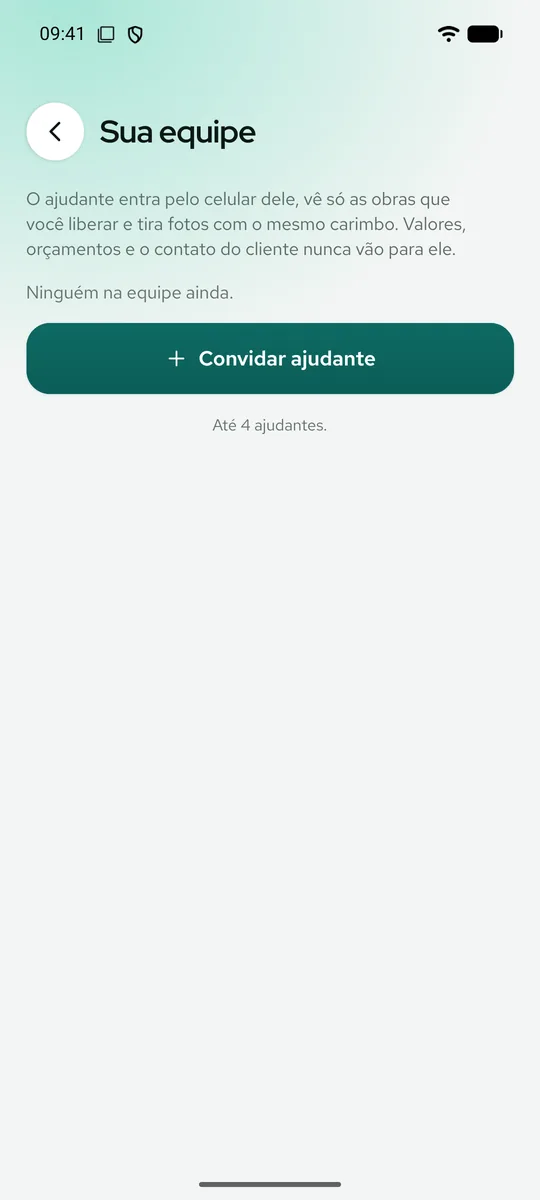
Invite the people who work with you with a code. They only see the jobs you allow and take photos with the same stamp. Prices, estimates and the customer’s contact details they don’t see.
An 8-letter code
Create the code and give it to your helper. They sign in on their own app with the code, which lasts 15 minutes and works only once.
You choose what each person sees
Give each helper access to their jobs. They see the job name and address and the photo button. Nothing else.
Their photos land on your job
The helper’s camera is the same: stamp, place, before overlay and spoken caption. The photos arrive on the right job, on your phone.
Questions about teams and helpers
Can my helper see the job prices?
No. The helper never gets prices, estimates or the customer’s contact details.
How many people can I have?
On the Team plan, up to 5 people including you. On Business, up to 15.
What if they leave the team?
You remove them from the team in one tap, and they can no longer see your jobs.
What else you can do
Date, time, address and the RO code saved on the photo. Mark the problem with an arrow and a measurement.
What you say becomes text, the customer signs and out comes the PDF. Handover checklist for electrical and air conditioning.
What came in, what you spent and what’s left each month and on each job. You say the expense out loud.